Replay the getting-started tour
Take the guided setup tour again to remind yourself how your profile, call forwarding, and notification preferences work.
Who this is for: everyday users and admins.
Before you start
- Nothing to set up — this is available from Settings at any time, whether or not you completed the tour on your first login.
Steps
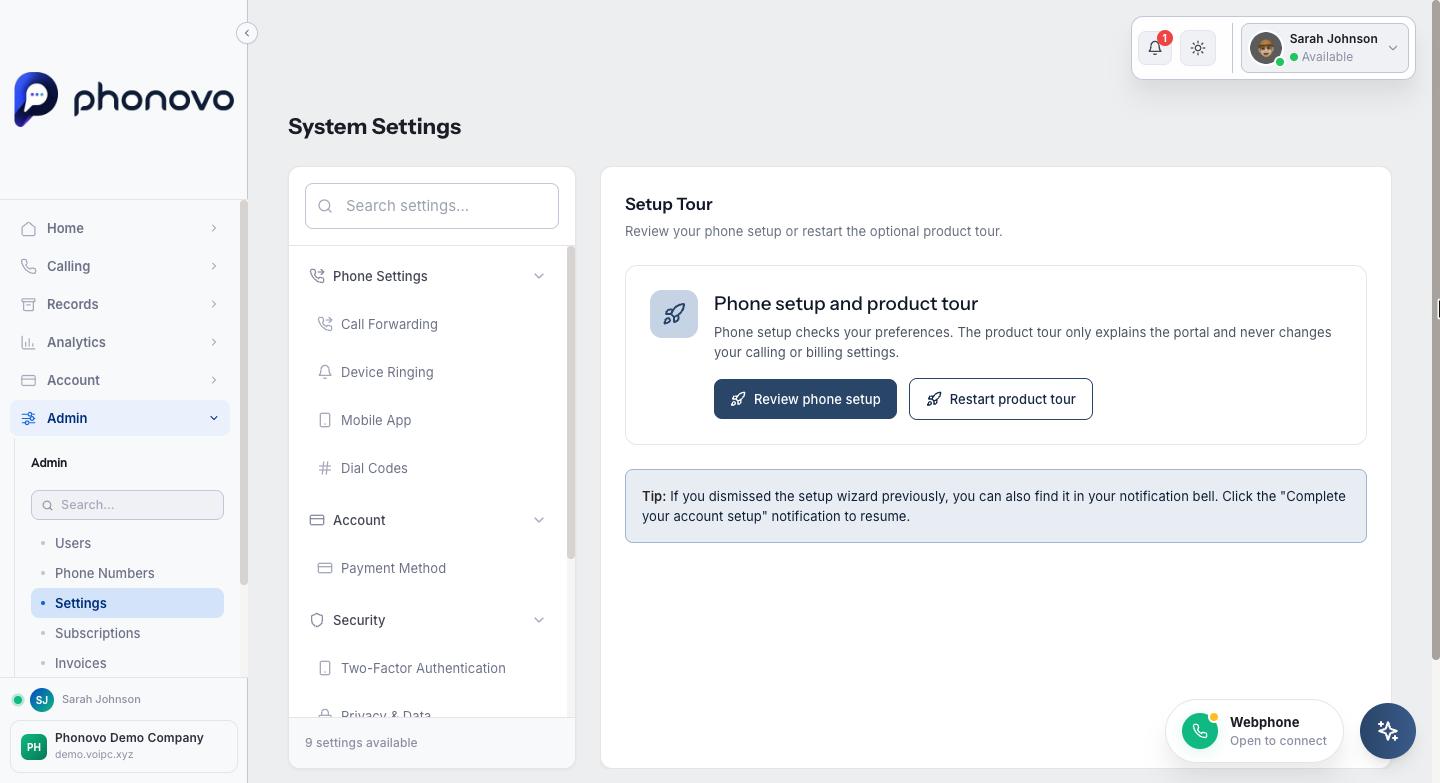
- Click your name in the top right of the portal, select Settings, then under Help in the left-hand list select Setup Tour.
- Select Retake Setup Tour. The page briefly shows Opening..., then the guided tour opens over the portal.
- Work back through the tour the same way you did (or would have) on your very first login, covering your profile settings, call forwarding options, and notification preferences.
- If you dismissed the tour previously without retaking it from here, watch for a Complete your account setup entry in your notification bell instead — selecting it reopens the tour the same way.
Related
Ask Olivia
You can also ask Olivia, the in-portal assistant, to walk you through this.